
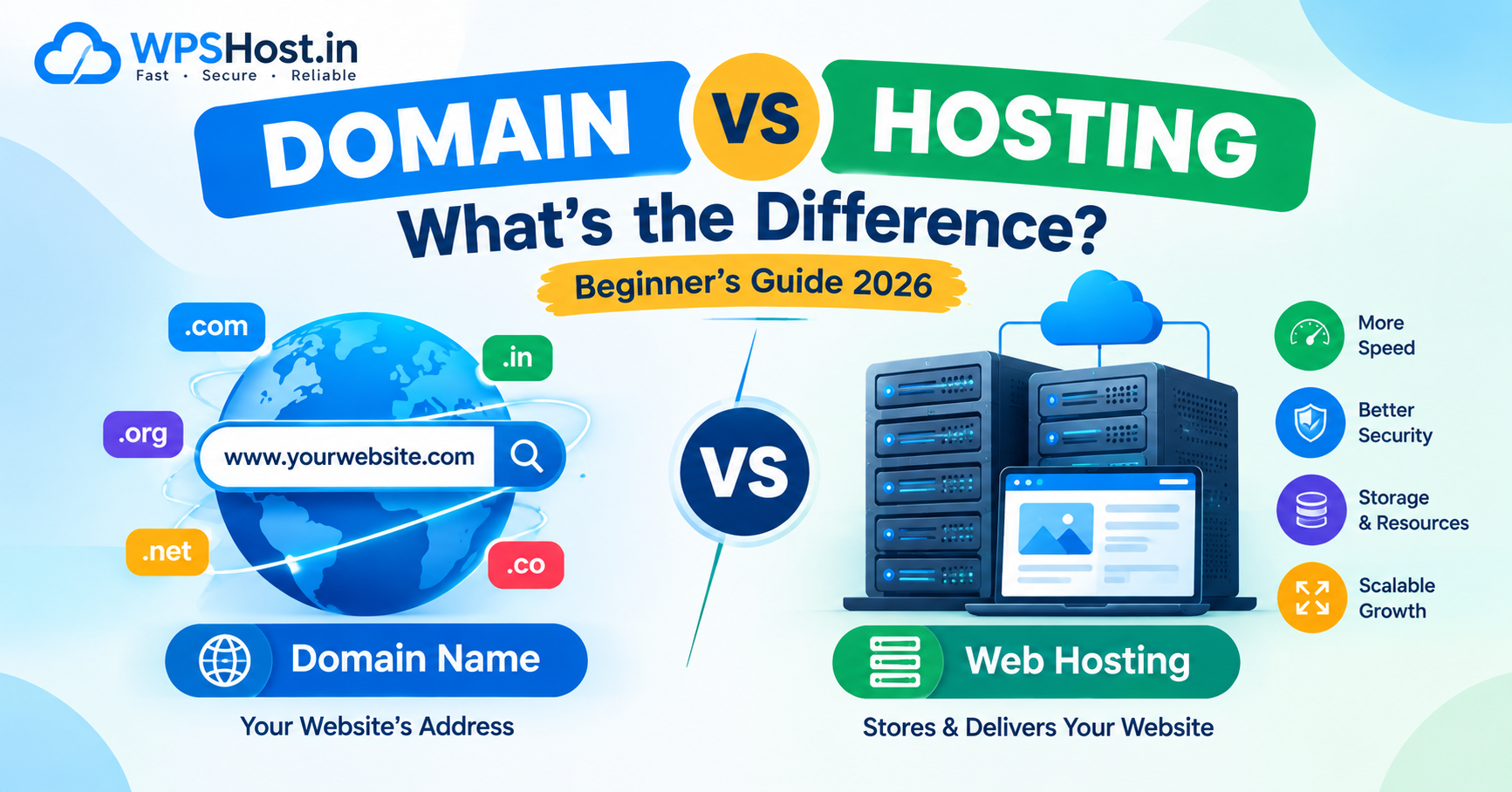
Domain vs Hosting: What's the Difference? A Complete Beginner's Guide (2026)
Planning to create a website but confused about the difference between a domain name and web hosting? You are not alone. Many beginners wonder whether they need to purchase both services before launching a website.
Understanding domain vs hosting is one of the first steps toward building a website for your business, blog, portfolio, or online store.
In simple terms, a domain name is your website's address, while web hosting is the service that stores and delivers your website's content to visitors.
In this guide, we will explain how domains and hosting work, how they differ, whether you need both, and how to choose the right services for your website.
What Is a Domain Name?
A domain name is the human-readable address people use to access a website on the internet.
For example:
- google.com
- wikipedia.org
- example.com
- yourbusiness.in
Instead of remembering a numerical IP address, visitors can enter a domain name into their browser to reach a website.
A domain name generally consists of two main parts.
For example, in wpshost.in:
wpshostis the domain name's main label..inis the top-level domain (TLD).
Other common domain extensions include .com, .org, .net, and .co.in.
You typically register a domain through a domain registrar for a specified period and renew it to maintain your registration.
Why Do You Need a Domain Name?
A domain name makes it easier for people to find and remember your website.
It can help you:
- Establish a recognizable online identity.
- Create a professional website address.
- Set up email addresses using your domain, such as info@yourbusiness.com, with a compatible email service.
- Build a consistent brand identity.
- Make your website easier to share with customers.
For a business, choosing a relevant and memorable domain name can be an important part of establishing an online presence.
What Is Web Hosting?
Web hosting is a service that stores your website's files and makes them accessible to visitors through the internet.
These files may include:
- HTML and CSS files.
- JavaScript files.
- Images and videos.
- WordPress files.
- Application code.
- Databases and other website data.
When a visitor opens your website, the browser requests content from the appropriate server. The server processes the request and delivers the required content to the browser.
For example, if you build a business website containing service pages, images, contact information, and a blog, those files need an appropriate hosting environment to be served online.
Why Do You Need Web Hosting?
Web hosting provides the infrastructure required to publish many types of websites.
Depending on your hosting plan, you may receive:
- Storage for website files.
- CPU and memory resources.
- Database support.
- Email hosting.
- SSL certificate support.
- Website backup options.
- A control panel such as cPanel.
- Technical support and server management.
The exact features depend on your hosting provider and selected plan.
Domain vs Hosting: What Is the Main Difference?
The main difference is that a domain name identifies your website's address, while web hosting stores and serves its content.
Think of a website as a physical shop.
- Domain name: The address customers use to find your shop.
- Web hosting: The building where the shop operates.
- Website files: The products, information, and materials inside the shop.
- DNS: The system that helps direct visitors to the appropriate server.
A domain name does not automatically provide website storage, and purchasing hosting does not always include a domain name.
You can buy both services from the same company or use different providers.
Domain vs Hosting: Comparison Table
FeatureDomain NameWeb HostingMain purposeProvides your website's addressStores and serves website contentExampleexample.comA server hosting your website filesRegistration or purchaseRegistered through a domain registrarPurchased from a hosting providerRenewalUsually renewed periodicallyUsually renewed according to the hosting subscriptionRequired for a custom domain websiteYes, for a domain you controlGenerally yes for a self-hosted websiteWebsite files includedNoYes, within the allocated hosting environmentBusiness emailCan be used as the domain for an email serviceMay include email hosting, depending on the planCan be purchased separately?YesYesCan providers be different?YesYes
Important: Some website builders and hosting platforms provide a temporary subdomain or include domain registration in a package. The exact arrangement depends on the service.
How Do Domain Names and Web Hosting Work Together?
A domain name and web hosting are different services, but they work together to make a website accessible.
Here is a simplified explanation of the process.
Step 1: Register a Domain Name
Choose and register a domain, such as yourbusiness.com, through a domain registrar.
Check its availability, registration price, renewal cost, and applicable registration terms.
Step 2: Purchase a Hosting Plan
Choose a hosting plan that supports your website's requirements.
For example, a small WordPress website may work well on suitable shared hosting, while a custom application may need VPS or cloud infrastructure.
Step 3: Connect the Domain to Hosting
Configure the domain's DNS records or nameservers according to your hosting provider's instructions.
An A record commonly maps a domain to an IPv4 address. A CNAME record can point one hostname to another hostname. The appropriate configuration depends on your setup.
Step 4: Install or Upload Your Website
Install WordPress, upload your website files, or deploy your application to the hosting environment.
If your website uses a database, configure the database connection as well.
Step 5: Configure HTTPS
Set up an SSL/TLS certificate and verify that your website loads securely over HTTPS.
Step 6: Test Your Website
Check that your domain resolves correctly, pages load, images display, forms work, and any required redirects are configured.
DNS changes may take time to become visible across different networks.
Once everything is configured correctly, visitors can use your domain name to access your website.
Can You Buy a Domain Without Hosting?
Yes. You can register a domain name without purchasing a hosting plan immediately.
For example, you might register a domain for a new business before its website is ready.
You can use the domain to:
- Reserve a name for a future project.
- Set up compatible email services.
- Redirect visitors to another website.
- Prepare for a future website launch.
However, registering a domain alone does not automatically publish a complete website.
To display website content, you will need a suitable hosting platform, website builder, forwarding service, or another publishing solution.
Can You Buy Hosting Without a Domain?
Yes, in some situations.
Many hosting providers allow customers to purchase a hosting plan before registering or connecting a custom domain.
Depending on the provider, you may be able to:
- Use a temporary URL.
- Access a server through its IP address for testing.
- Use a provider-supplied subdomain.
- Deploy an application before configuring the final domain.
However, the availability of these options depends on the hosting platform.
For a professional public website, using a domain you control is generally preferable.
Should You Buy Your Domain and Hosting From the Same Company?
You can purchase both services from the same provider or use separate companies.
Each option has advantages.
Buying Both From the Same Provider
Advantages:
- One account may be enough to manage both services.
- DNS configuration may be simpler.
- Billing and renewal management can be more convenient.
- Some providers offer bundled packages.
Things to check:
- Domain renewal charges.
- Hosting renewal charges.
- Domain ownership and transfer policies.
- Included features and additional fees.
Buying Domain and Hosting Separately
Advantages:
- More flexibility when choosing providers.
- Freedom to select hosting based on performance and features.
- Ability to keep domain registration separate from hosting.
- Easier to evaluate different services independently.
Things to check:
- Correct DNS configuration.
- Access to your domain registrar account.
- Renewal dates for both services.
- DNS and migration requirements if you change providers.
There is no universal rule that both services must come from the same company. Choose the arrangement that best suits your requirements.
How Much Does a Domain Name Cost in India?
Domain registration prices depend on the extension, registrar, promotional offers, and renewal terms.
Before purchasing a domain, compare:
- First-year registration price.
- Renewal price.
- Domain transfer conditions.
- Applicable taxes.
- Privacy protection availability and cost.
- DNS management features.
- Expiration and recovery policies.
A heavily discounted first-year price may be followed by a higher renewal charge.
Always review the renewal price before completing your purchase.
How Much Does Web Hosting Cost in India?
Web hosting costs vary according to server resources, hosting type, management services, and included features.
Common hosting options include:
- Shared hosting for many small websites.
- Managed WordPress hosting for WordPress-focused websites.
- VPS hosting for more configurable server environments.
- Cloud hosting for workloads that need flexible infrastructure.
- Dedicated servers for demanding applications requiring an entire physical server.
When comparing plans, review storage, CPU, memory, traffic policies, backups, SSL support, email features, technical support, and renewal prices.
Do not choose a hosting plan based only on its introductory price. Select a service that fits your website's requirements.
Do You Need Both a Domain and Hosting for WordPress?
For a typical self-hosted WordPress website using a custom domain, you generally need a domain name and a compatible hosting environment.
The domain provides the website address, while the hosting environment runs WordPress and stores its files and database.
A typical setup involves:
- Registering a domain.
- Purchasing compatible hosting.
- Connecting the domain through DNS.
- Installing WordPress.
- Configuring HTTPS.
- Choosing a theme and installing the necessary plugins.
- Publishing your website content.
Some managed platforms and hosted WordPress services work differently, so check the requirements of the platform you choose.
What Happens If Your Domain Expires?
If your domain registration expires and is not renewed, your website may become inaccessible through that domain.
Depending on the registrar, domain extension, and applicable policies, you may have a grace period or a recovery period before the domain becomes available for registration again.
Email services that depend on the domain may also be affected.
To reduce the risk:
- Enable automatic renewal if appropriate.
- Keep your contact and payment information up to date.
- Monitor domain expiration dates.
- Renew the domain before the deadline.
Do not assume that an expired domain can always be recovered at its original registration price.
What Happens If Your Hosting Expires?
If your hosting subscription expires, the provider may suspend access to your website or eventually remove its data according to its terms.
Your domain registration may remain active if it is managed separately.
However, visitors may not be able to access your website's content until hosting is restored or you move the website to another provider.
To protect your website:
- Renew your hosting plan on time.
- Maintain independent backups.
- Keep a copy of important website files and databases.
- Understand your provider's suspension and data-retention policies.
Having a separate domain registration can make it easier to change hosting providers without changing your website address.
How to Choose the Right Domain and Hosting for Your Business
If you are starting a business website, use the following checklist.
1. Choose a Memorable Domain
Select a domain that is easy to spell, pronounce, and remember.
Avoid unnecessary complexity that could confuse visitors.
2. Select the Right Domain Extension
Choose an extension that suits your audience and brand.
For example, .in may be appropriate for many India-focused websites, while .com is widely used for businesses serving international audiences.
The right extension depends on availability, branding, and your business goals.
3. Choose Hosting Based on Your Website
A small informational website may not need the same resources as an online store or custom application.
Consider your expected traffic, software requirements, storage needs, and technical skills.
4. Review Security and Backup Options
Check the available security controls, SSL support, backup arrangements, and restoration process.
Maintain independent backups for important business websites.
5. Compare Renewal Prices
Evaluate the ongoing cost of both domain registration and hosting.
Include taxes, additional services, and any fees for features you need.
6. Check Support and Migration Options
Choose providers that offer support appropriate for your technical requirements.
If you might change providers later, understand the domain transfer, DNS configuration, and website migration process.
Why Consider WPSHost.in?
If you are planning to launch a blog, business website, or online project, you can explore the hosting options available at WPSHost.in.
Before choosing a plan, compare the available storage, resources, SSL support, email features, backups, support options, and renewal terms.
You can also register your domain separately if that better suits your requirements.
Ready to launch your website? Visit WPSHost.in to explore the available hosting plans and find an option that fits your project.
Frequently Asked Questions About Domain vs Hosting
1. What is the difference between a domain and hosting?
A domain name is your website's address, while hosting is the service that stores and serves your website's content.
2. Do I need a domain and hosting to create a website?
For a typical self-hosted website with a custom domain, you generally need both. However, some website builders and hosting platforms provide temporary subdomains or include hosting in their services.
3. Can I buy a domain and hosting separately?
Yes. You can register your domain with one provider and purchase hosting from another. You will need to configure the domain's DNS settings correctly.
4. Is a domain name the same as a website?
No. A domain name is the address used to access a website. The website itself consists of content, files, applications, and possibly databases served through a hosting platform.
5. Does web hosting include a domain name?
Some hosting packages include domain registration for a specified period, while others do not. Check the package details and domain renewal terms.
6. Can I change my hosting provider without changing my domain?
Yes. You can generally move your website to a new hosting provider while keeping the same domain. The migration may require transferring files, databases, email services, and updating DNS records.
7. Can I host multiple websites on one hosting plan?
Some hosting plans allow multiple websites, while others limit the number of domains or accounts. Check the plan's website limits and available resources.
8. What is DNS in domain hosting?
DNS stands for Domain Name System. It helps direct domain names and hostnames to the appropriate internet resources through records such as A, AAAA, CNAME, and MX.
9. Can I use a domain name for business email without hosting a website?
Yes. You can use a domain with a compatible email hosting service even if you do not have a website hosting plan. You will need to configure the appropriate email DNS records.
10. Which should I buy first: domain or hosting?
You can purchase either first. Registering your preferred domain early can help secure the name, while purchasing hosting first may be useful if you already have a domain or are preparing a test environment.
Conclusion
Understanding domain vs hosting makes it easier to plan and launch a website.
A domain name gives your website a recognizable address, while web hosting provides the infrastructure that stores and delivers its content. Both work together in a typical self-hosted website, but they can be purchased and managed separately.
Before launching your blog, business website, or online store, compare domain registration costs, hosting resources, security features, renewal prices, and support options.
Choose a domain that represents your brand and hosting that meets your website's requirements.
Visit WPSHost.in to explore available hosting options and take the next step toward launching your website.