Google Workspace

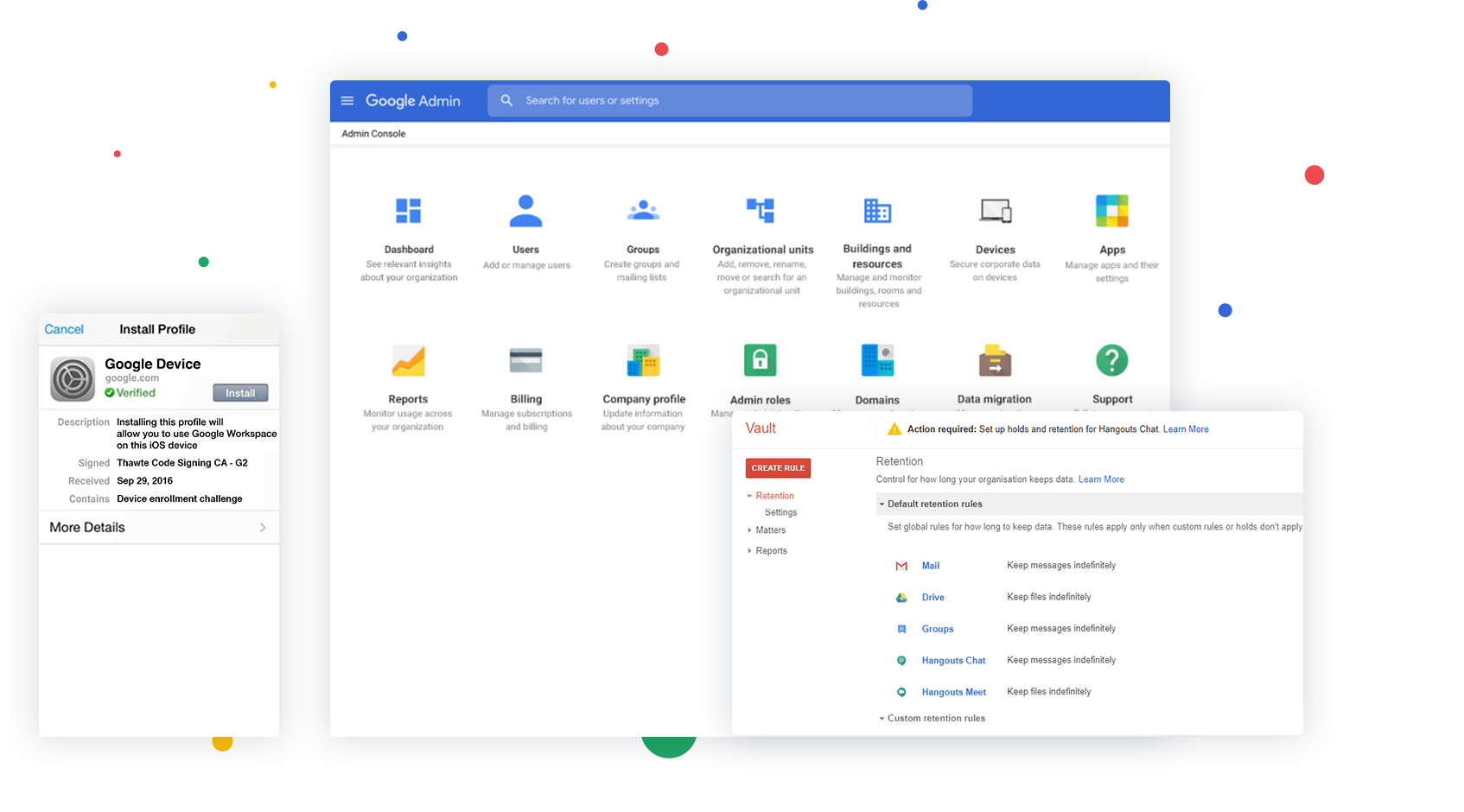
What's included with Google Workspace

Intelligent tools your business can depend on

View Plan
image

Get the power of Gmail

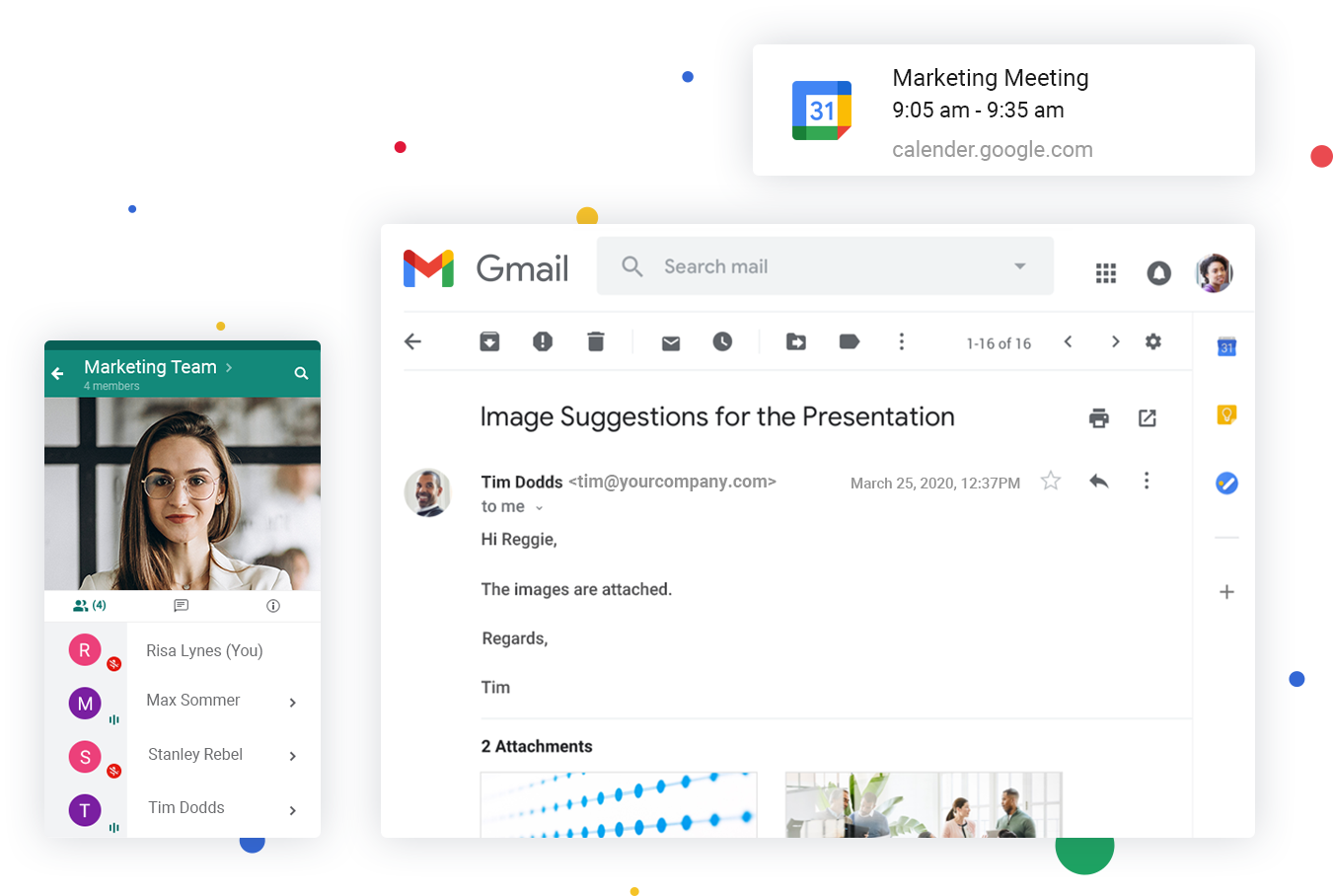
Get a professional email for your business with all the powerful features of Gmail.

Keep your schedule organized

Add reminders, schedule meetings and never miss a thing with Google's smart calendar.

Communicate on the go

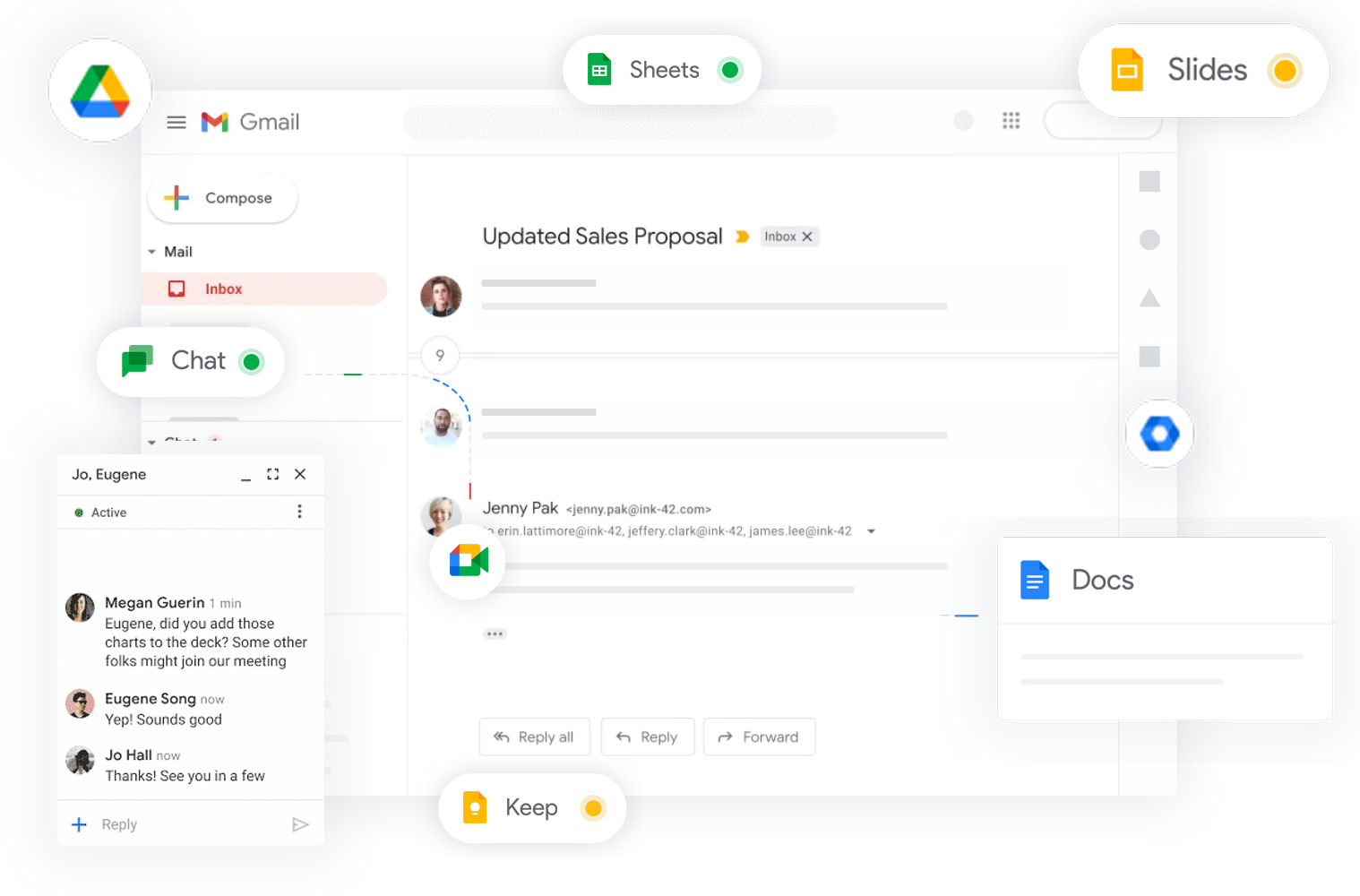
Stay connected with your colleagues via HD video calls and instant messages using Google Meet and Google Chat.
image

Get Started with Google Workspace

Choose a Google Workspace plan that serves your business requirement

24/7 Dedicated Support

Need Help Deploying Google Workspace?

Migrating your business emails, calendars, and contacts to Google Workspace? Our certified deployment specialists configure your domain DNS (MX, SPF, DKIM, DMARC) and migrate your inboxes with 100% data integrity and zero downtime.

Email Us 24/7 info@wpshost.in
Hotline 24/7 +91 94245 56336
Real Customer Experiences

Trusted by Modern Businesses for Google Workspace

See how founders, agencies, and enterprise IT heads scale collaboration, custom Gmail deliverability, and cloud storage with wpshost.

Verified Client
"Seamless migration of 42 team inboxes from cPanel"

"Migrating our corporate inboxes to official Google Workspace was handled effortlessly by the wpshost team. They configured all MX, SPF, and DMARC security records within 30 minutes. Having custom @apexdigital.in emails on Gmail's zero-spam platform has boosted our customer response rates significantly."

Pankaj Chawla
Pankaj Chawla
Director, Apex Digital Innovations (Indore)
Verified Client
"2TB Drive storage per user & seamless GST invoicing"

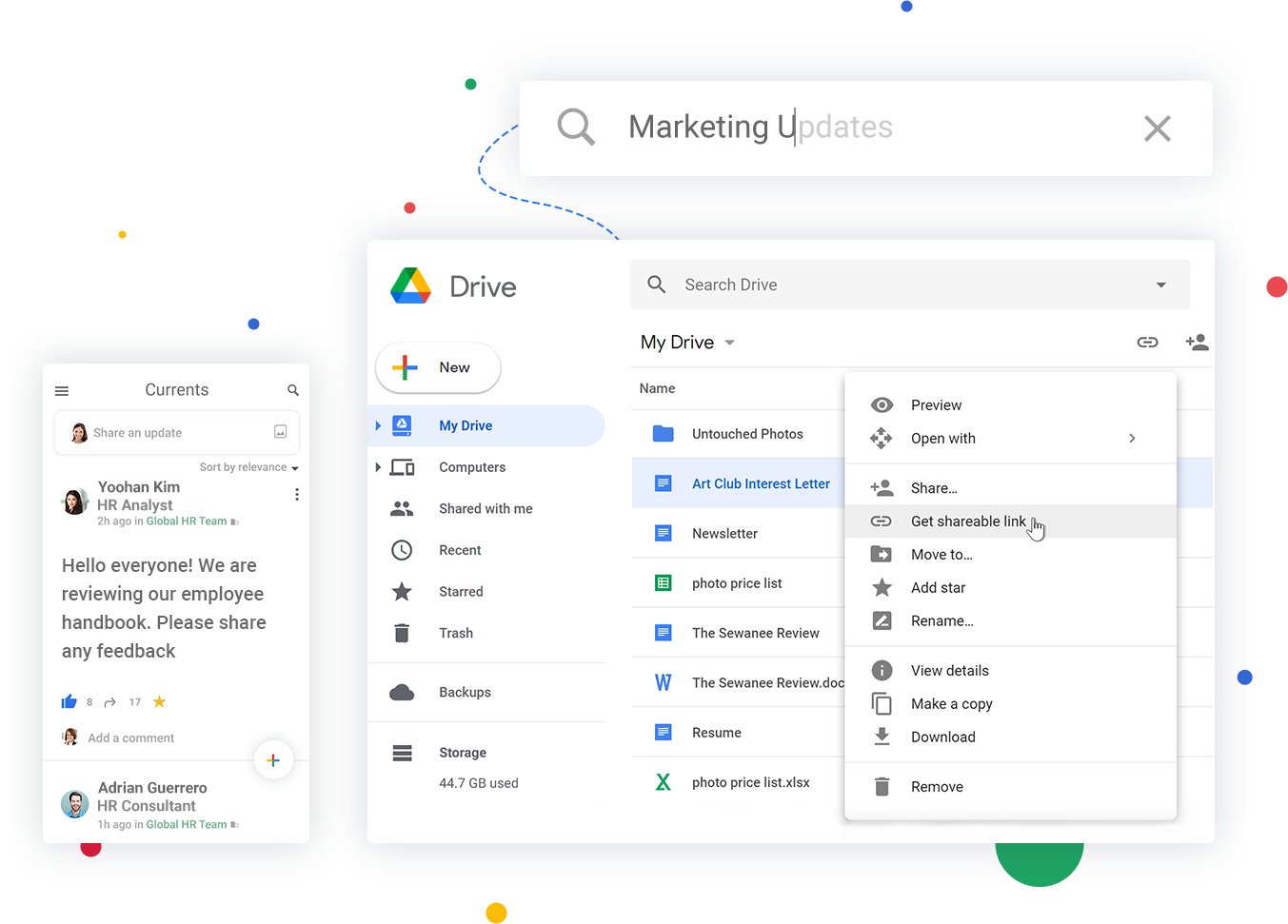
"We upgraded our 25-member design and development team to Google Workspace Business Standard. The 2TB shared Drive storage and 150-person Google Meet calls have revolutionized our remote sprints. Being able to pay locally in INR with compliant GST tax invoices saved us from foreign currency charges."

Pooja Verma
Pooja Verma
Operations & Tech Lead, CloudCraft (Bengaluru)
Verified Client
"Solved our spam issues completely. 24/7 phone support is real"

"Before switching to Google Workspace through wpshost, our international client quotation emails frequently landed in spam folders. Now delivery is 100% clean. Whenever we onboard new sales agents, a quick call to wpshost's +91 94245 56336 hotline gets their accounts configured in minutes."

Vikramaditya Rathore
Managing Director, Heritage Exim (Jaipur)

Frequntly Asked Question

Yes, you can use an existing domain with your Google Workspace order.

When switching to Google Workspace from another program or web service, you and your users can bring your existing mail, contacts, and calendar data with you. You have a variety of options for migrating data into Google Workspace, depending on the size of your organization and the system you're migrating from. Tools are available for migration from Microsoft Exchange, Lotus Notes, IMAP servers and other Google accounts.

Each email account comes with 30 GB space.

In addition to accessing Google Workspace mail from the Gmail web interface, you can send and receive mail from your favorite desktop client. Depending on the client, you can use either the IMAP or POP mail protocol. If you’re switching to Google Workspace from Microsoft Exchange or some other Outlook service, you can use Google Workspace Sync. This is a plug-in for Outlook 2003, 2007, 2010 or 2013 that lets you use Outlook to manage your Google Workspace mail, calendar and contacts—along with your Outlook notes, tasks and journal entries.

Each email account comes with 5 GB space dedicated to emails.

Yes. During the transfer, we move all your email accounts from the old provider to us by keeping the data intact. However, your existing tenure with the other provider, if any does not get moved to us. You can click here to initiate the transfer process.

Yes, you can create mailing lists and add/delete users, select a moderator, restrict people from joining a list or even ban users from a list. More information on this can be found in our knowledgebase.

We take a zero tolerance stance against sending of unsolicited email, bulk emailing, and spam. "Safe lists", purchased lists, and selling of lists will be treated as spam. Any user who sends out spam will have their account terminated with or without notice.

Yes, you can. An auto-responder is a program that, when setup for your email address, sends out an automatic, pre-set reply to an email, as soon as it is received at this email address. You can find out more about setting up an auto-responder from our knowledge base.